Every workspace has a primary database: the Notion database it reads from by default. When you add a chart, milestone, or calendar to the workspace, that database is already selected for you. It's a default, not a lock — you can still point any individual chart, milestone, or calendar at a different database, and existing ones keep the database they were created with.
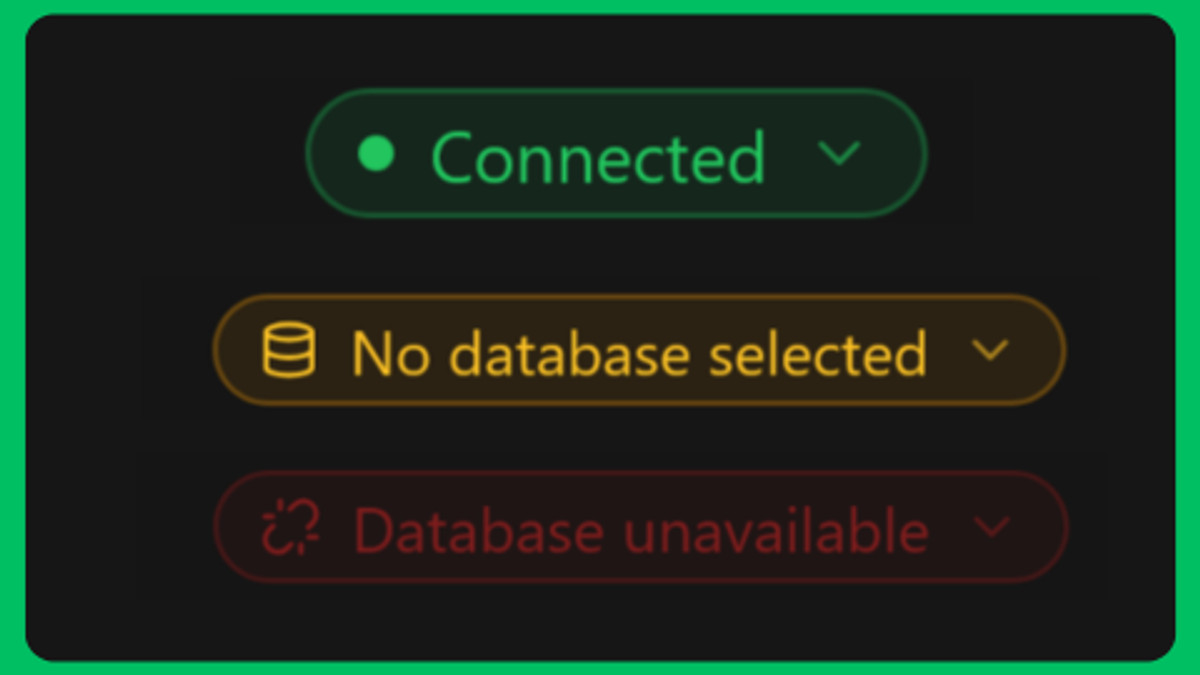
You'll see its state as a chip in the top bar of the workspace page:
- Connected — the workspace has a primary database.
- No database selected — Notion is connected but no primary database is set yet.
- Database unavailable — the primary database was deleted or is no longer shared with NotionStats.
Set or change it #
- Open the workspace page.
- Click the status chip in the top bar (or Choose database in the prompt).
- Pick a database from the list. It saves immediately and shows Saved; if it replaced an earlier database, click Undo in the confirmation to put it back.

Can't find your database? Use Update the Notion connection to re-share it at the bottom of the window. See How do I share a Notion page or database with NotionStats?.
When it's set for you #
NotionStats picks the primary database automatically when the choice is unambiguous:
- Right after you link Notion: if only one database was shared, or one is named exactly like the template database for your workspace type (
trades dbfor Trading,finance databasefor Finance,habit databasefor Habits,fitness dbfor Fitness,subscription dbfor Subscriptions). You'll see a Primary database set to … message with a Change button. - When you create a workspace on an existing Notion connection (without linking again): only if a database has the exact template name above.
If neither applies, or you chose Other, the choice is left to you. Nothing is changed on workspaces that already have a working primary database.