Turn your Notion databases into charts, calendars, and analytics
Live charts that update as your Notion data changes. No spreadsheets, no exports, no code.
Top 5 in 5 Notion Marketplace categories115,200+ template downloads


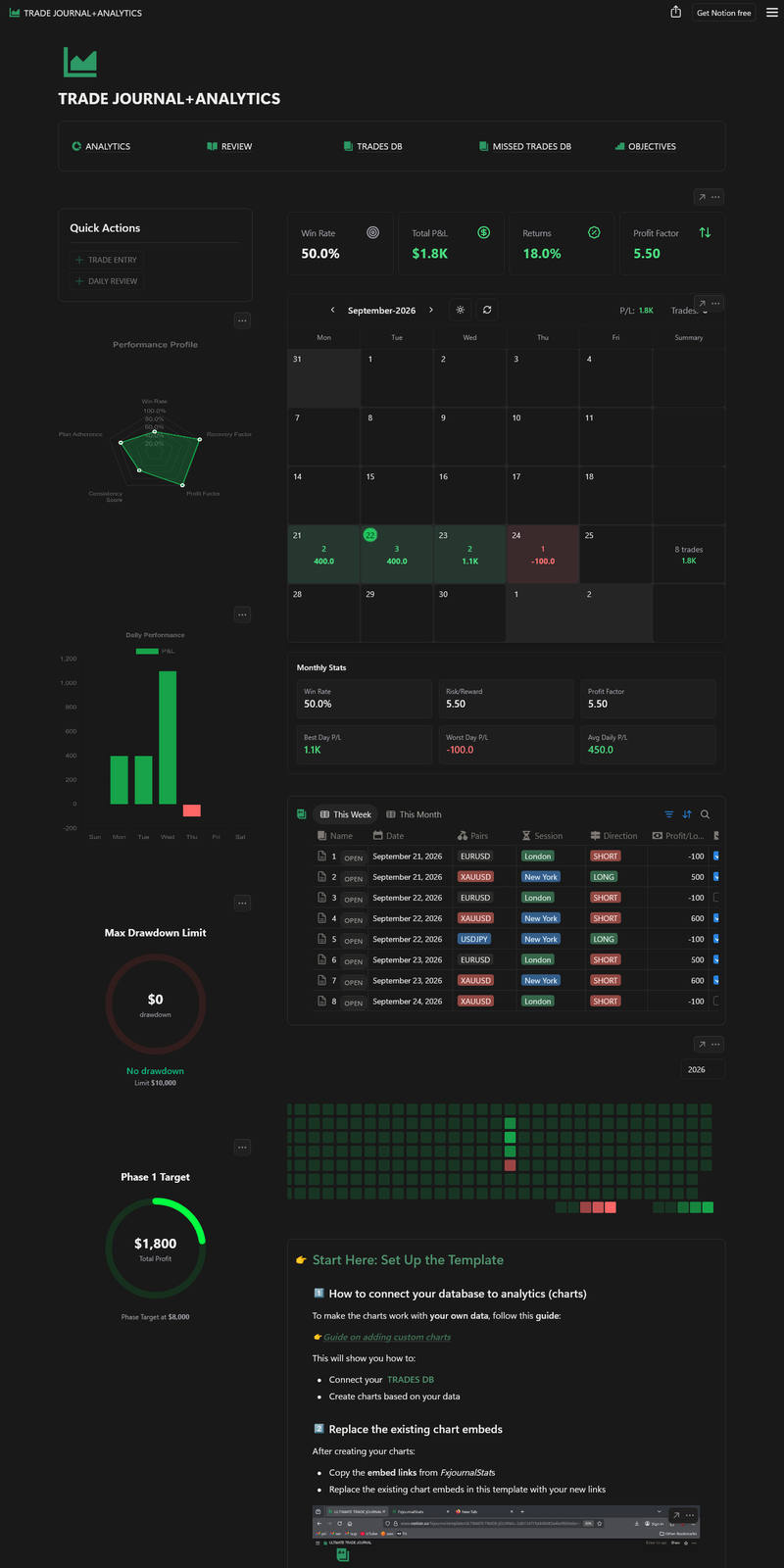

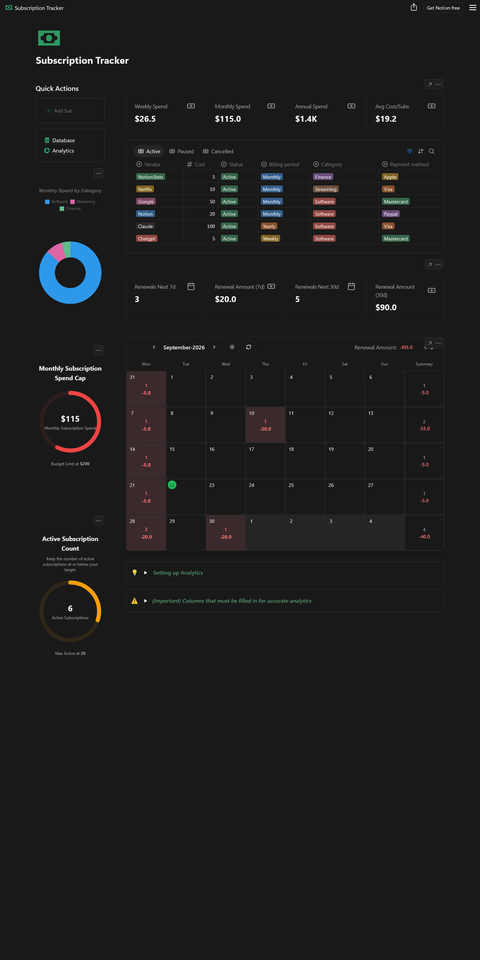
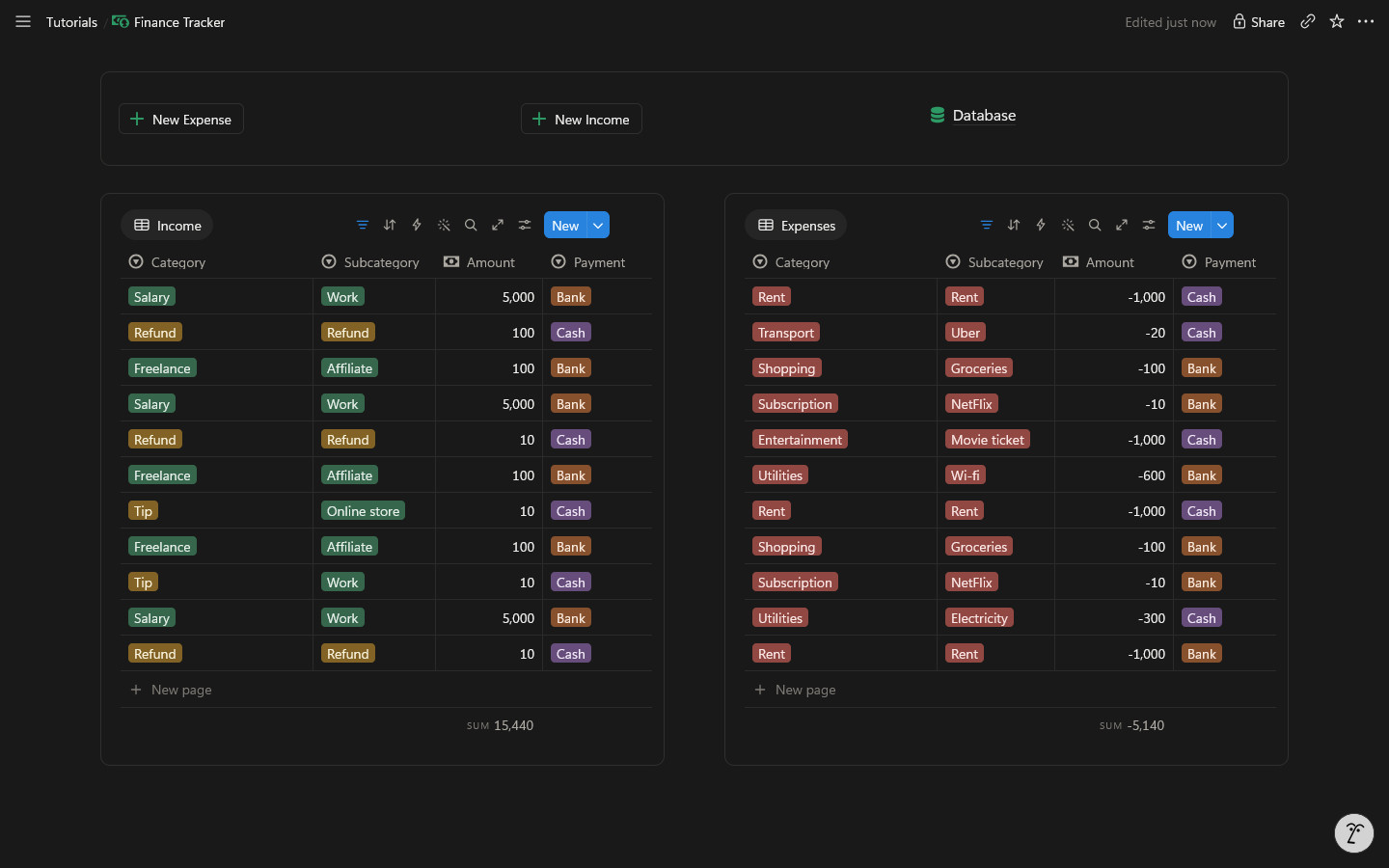
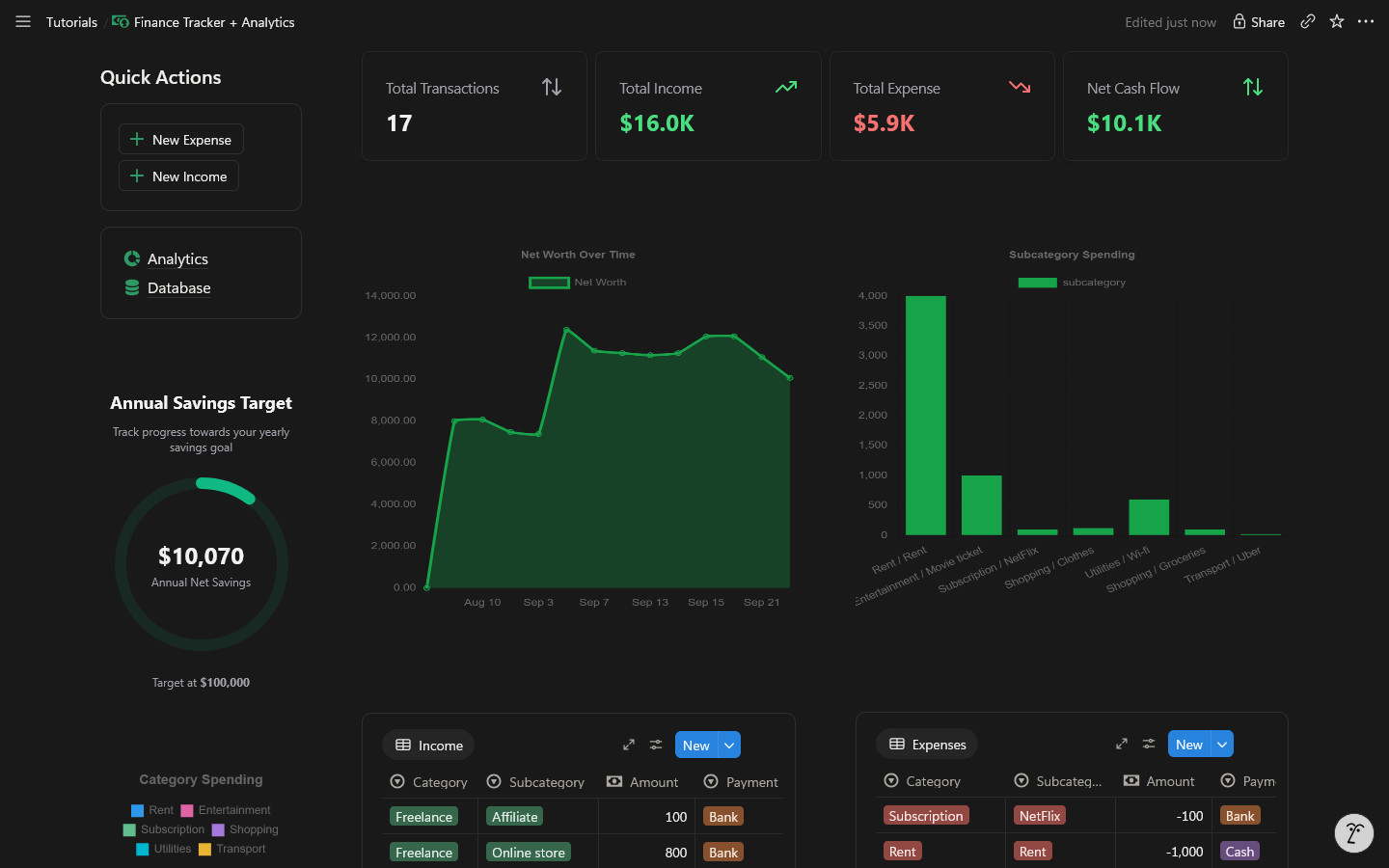
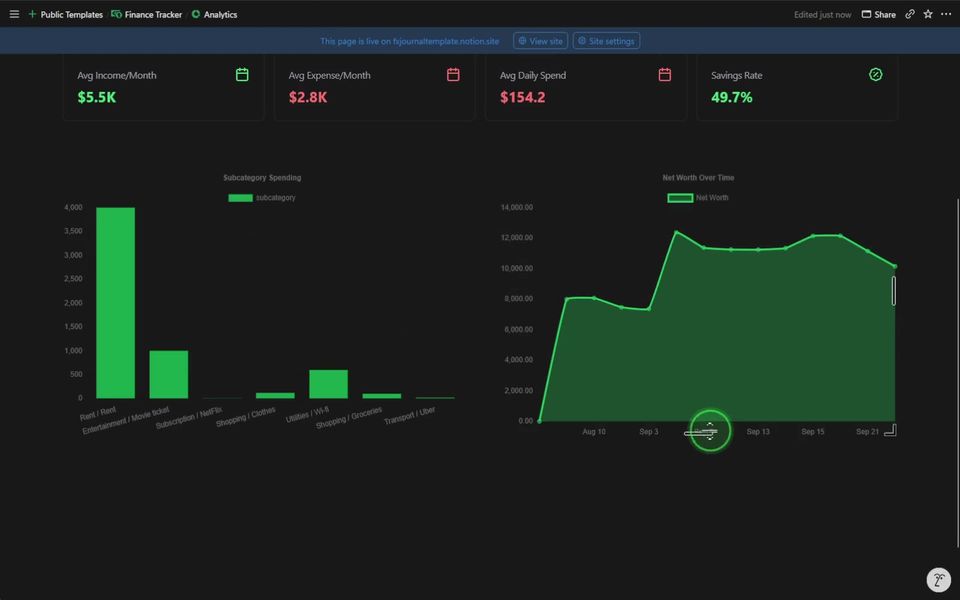
Your database, as a dashboard
Notion stores the rows. NotionStats draws the charts.
Drag to see the same Notion page before and after NotionStats.
What you can build
Charts, calendars and progress bars that live inside your Notion pages.
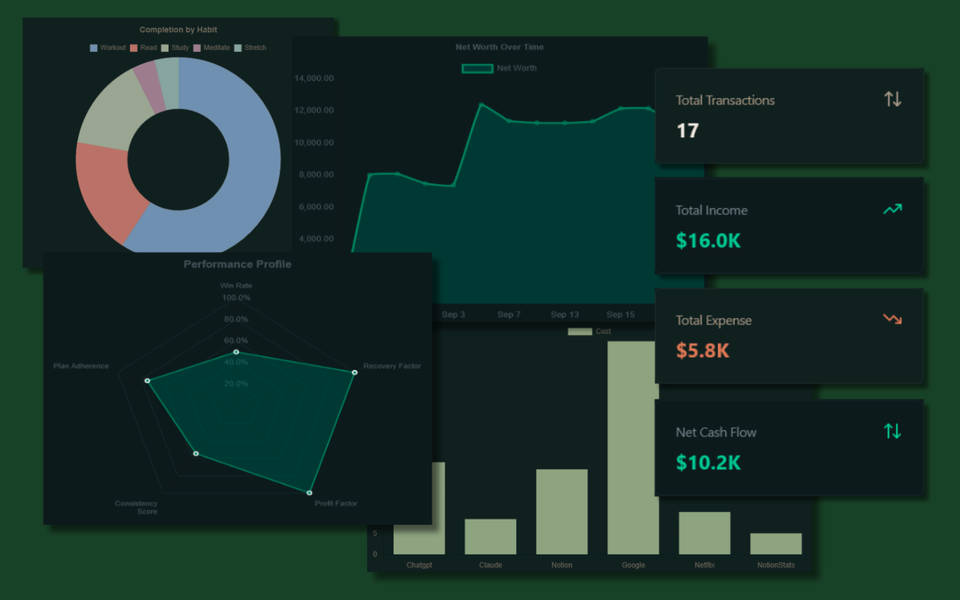
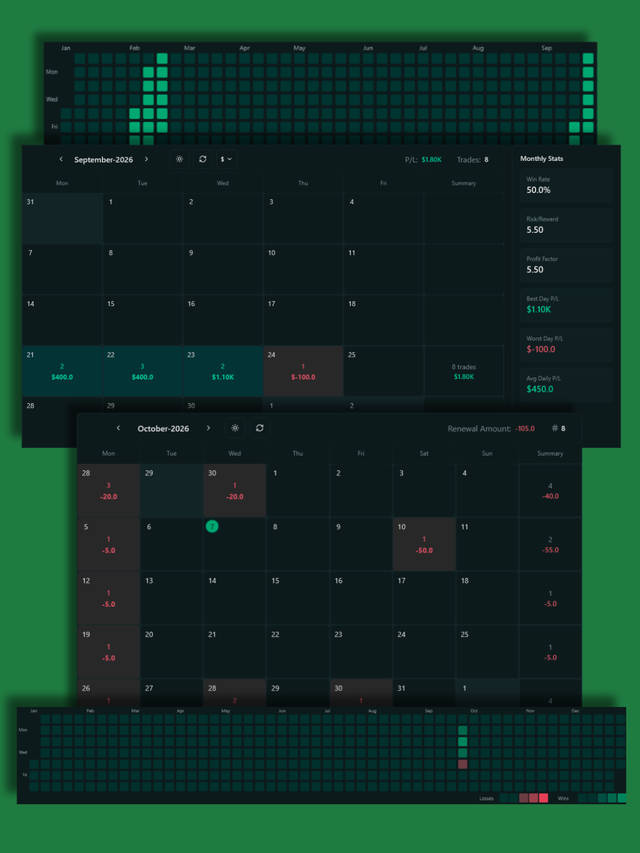
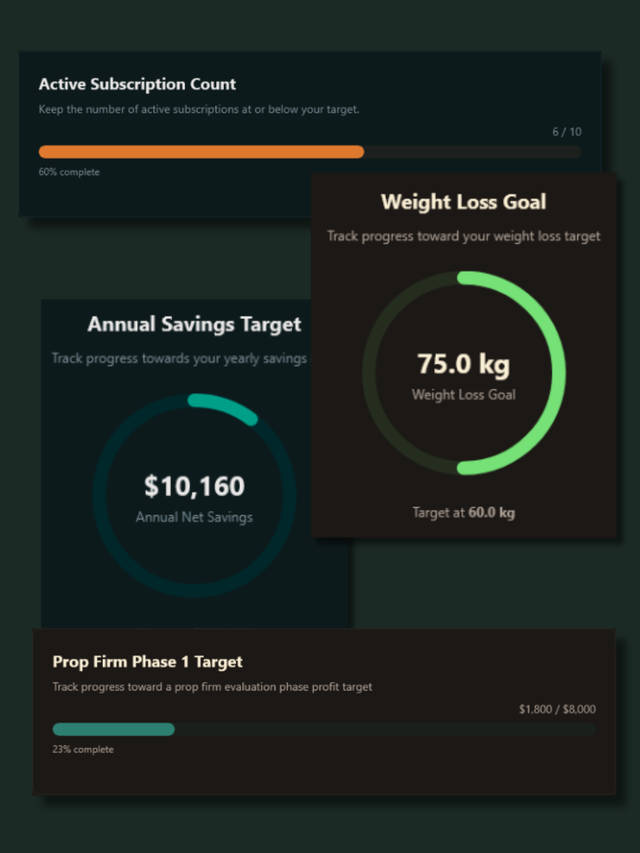
Start with a template built for analytics
Duplicate a Notion template, connect it to NotionStats, and get useful charts without designing the database from scratch.
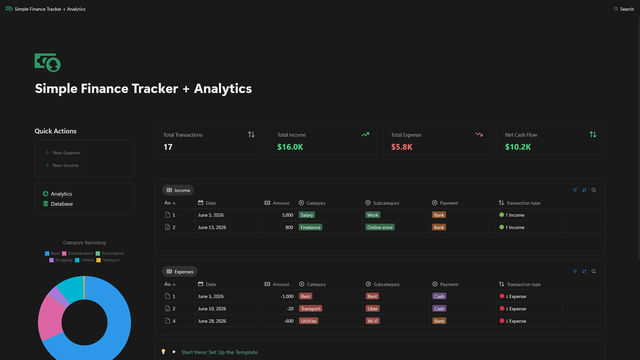
Finance Tracker
Track income, expenses, categories, savings, and net worth in Notion, then turn the data into clear charts with NotionStats.
#2 in Expense Tracker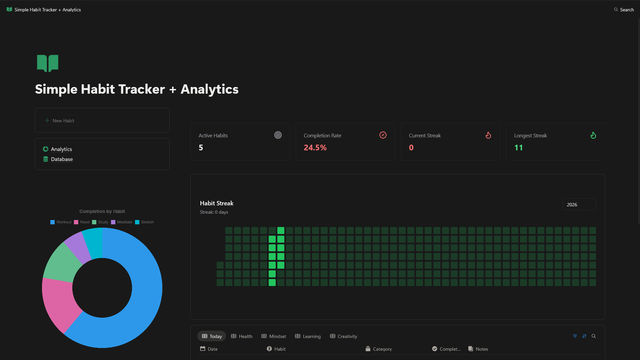
Habit Tracker
Log daily habits in Notion and visualize completion trends, streaks, and consistency with NotionStats.
#3 in Personal Goals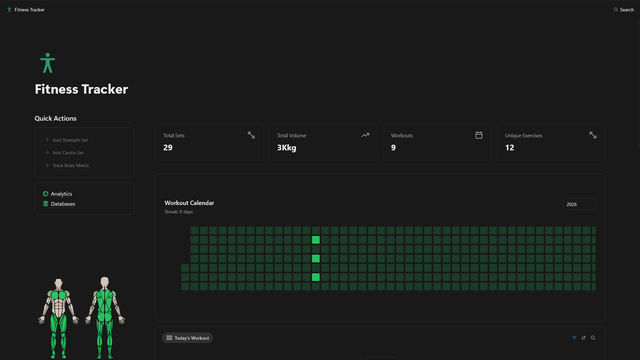
Fitness Tracker
Track workouts, sets, reps, body metrics, and training progress in Notion with an analytics-ready database structure.
#1 in Fitness Tracking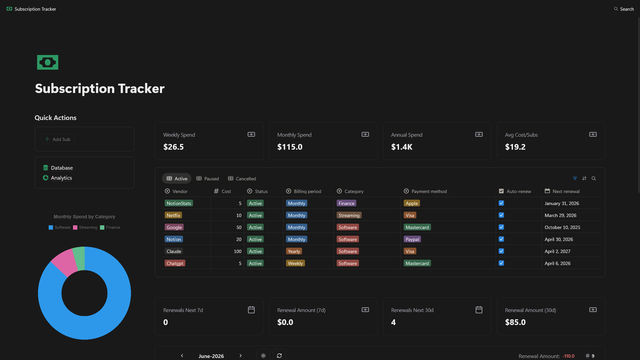
Subscriptions Tracker
Track recurring subscriptions, renewal dates, monthly costs, and spending patterns in Notion with built-in analytics.
#5 in Budgets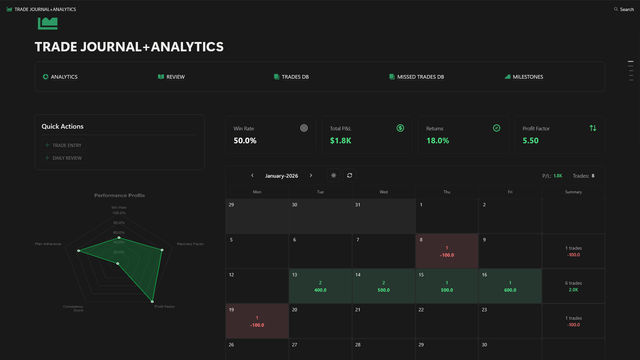
Ultimate Trading Journal
Record trades in Notion and analyze win rate, profit/loss, drawdown, and performance patterns with NotionStats.
#1 in Trading JournalAlready have a Notion database?
Connect it as it is. NotionStats recognises finance, habit, fitness, trading and subscription layouts, and works with any other database too.
Connect your databaseRead the guideLoved on the Notion Marketplace
“COLOURS are PERFECT!! The colours are soooo aesthetically pleasing - i rly love it<3 and the arrangement is top notch”
Sabrina Chow · Habit Tracker (opens in new tab)
“Out of sight, out of mind. I need to list my income and expenses. This template provides clear, easy-to-understand infographics to reflect my financial habits.”
“This template is really good and well made! Really makes handling and managing expenses a breeze!”
Samarth Ajarekar · Finance Tracker (opens in new tab)
“This is such a great template. It's so hard to keep track of everything when trading and this one is so simple, clean, customisable and looks great.”
Harriet M · Ultimate Trading Journal (opens in new tab)
“Absolute masterclass of a template, allows user to modify to prefered design, Clean and user-friendly UI/UX, absolute cinema 🖐🏾🙂🤚🏾”
Mwizerwa Johnson · Ultimate Trading Journal (opens in new tab)
“Such a nice work has been done, it's has pretty much what we need to start, and the easiness to add more parameters to look further”
Jose Pacheco · Fitness Tracker (opens in new tab)
4.7 average from 963 reviews across 5 templates on the Notion Marketplace
- #1in Trading JournalUltimate Trading Journal4.7(opens in new tab)
- #1in Fitness TrackingFitness Tracker4.4(opens in new tab)
- #2in Expense TrackerFinance Tracker4.7(opens in new tab)
- #3in Personal GoalsHabit Tracker4.5(opens in new tab)
- #5in BudgetsSubscriptions Tracker4.5(opens in new tab)
Category rankings on the Notion Marketplace as of Oct 2026.
From Notion database to live chart in four steps
You can be embedding live charts in Notion within a few minutes.
Connect Notion
Authorize once and pick the databases NotionStats can read.
Auto-detect
We recognise finance, habit, fitness, trading and subscription databases and suggest matching templates.
Pick a template
Choose a chart, calendar or milestone. Adjust columns, colors and chart type.
Embed
Paste one link into Notion. It stays up to date.
You choose which pages NotionStats can access in Notion's share menu, and you can remove access anytime.Privacy policy
Questions
Your Notion data, as a dashboard, in minutes.
Start on the free plan: 1 chart and 1 milestone, no card.