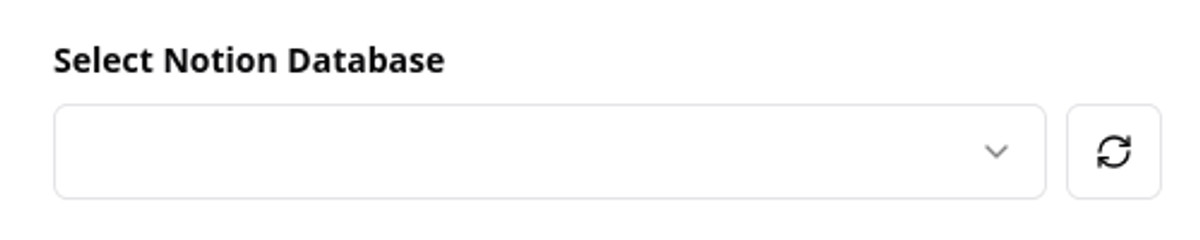
When the database dropdown inside the chart or milestone modal is empty, NotionStats has not received any databases from your Notion workspace yet. This usually happens for one of two reasons:
- You just linked your Notion workspace and Notion is still indexing the shared pages. This typically takes a few seconds to a couple of minutes.
- You haven't shared any pages or databases with the NotionStats integration yet.
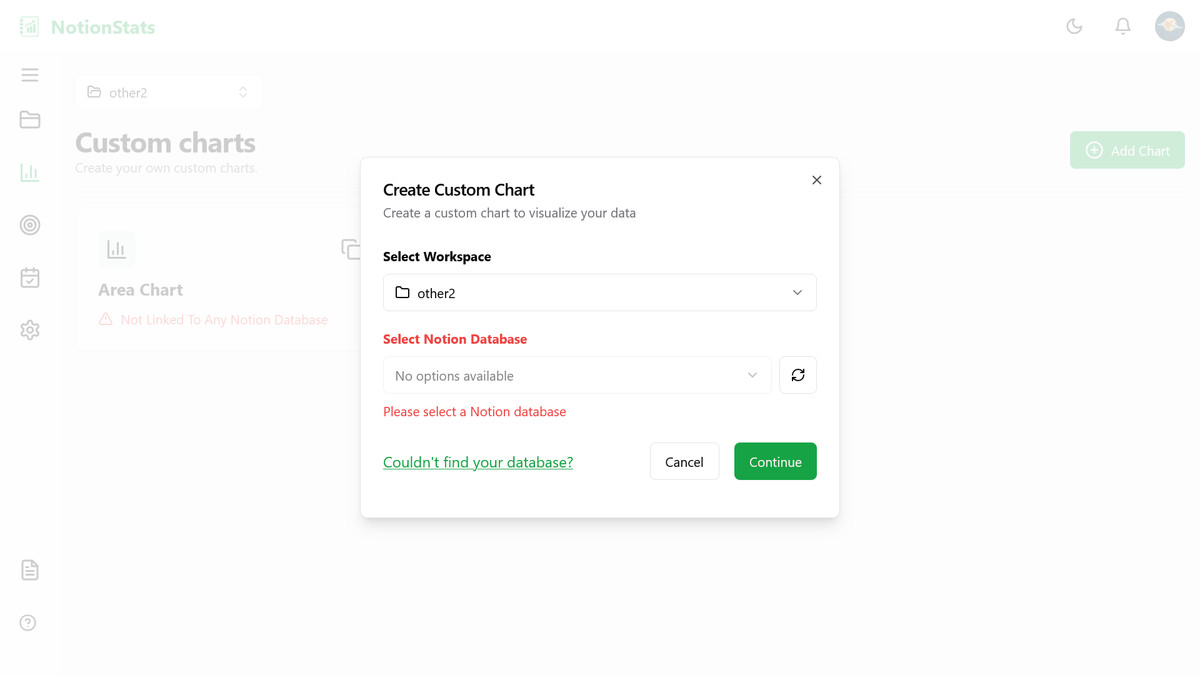
What you'll see #
Right after you link Notion, NotionStats checks for your databases every few seconds and shows Please wait while we load your databases… (or Waiting for Notion to share your databases… in the primary database window). This stops on its own once the list stops changing.
If nothing arrives after about ten seconds, it tells you No databases were shared with NotionStats and shows a Choose pages in Notion button. Click it, select the page that contains your database, and click Allow access — you'll come back to the same workspace.
How to fix it #
- Click the refresh button next to the database dropdown to fetch the latest list from Notion.
- If the dropdown is still empty, share at least one page or database with the integration (see the next FAQ).
- Wait a minute and refresh again — newly shared databases can take a short while to appear.